Menu
Your Cart

Wonder Accessories Sketch Kit for Dash and Cue Robots

Wonder Аксесоари Sketch Kit за роботи Dash и Cue
Wonder Accessories Sketch Kit for Dash and Cue Robots
61.30€ (119.89лв.)
  • Stock: доставка до 30-50 дни
  • Brand: Wonder Workshop
  • Product code: OF-6602010020
✨ MagicAI: Last inventory update: 30-07-2026

Description

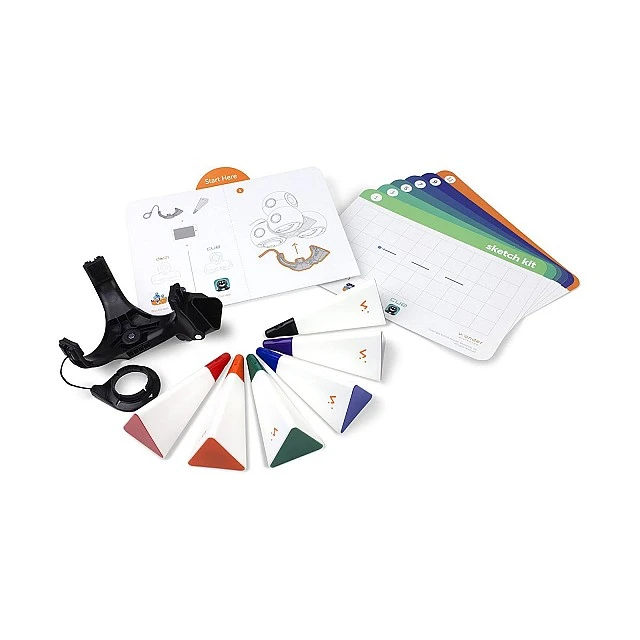
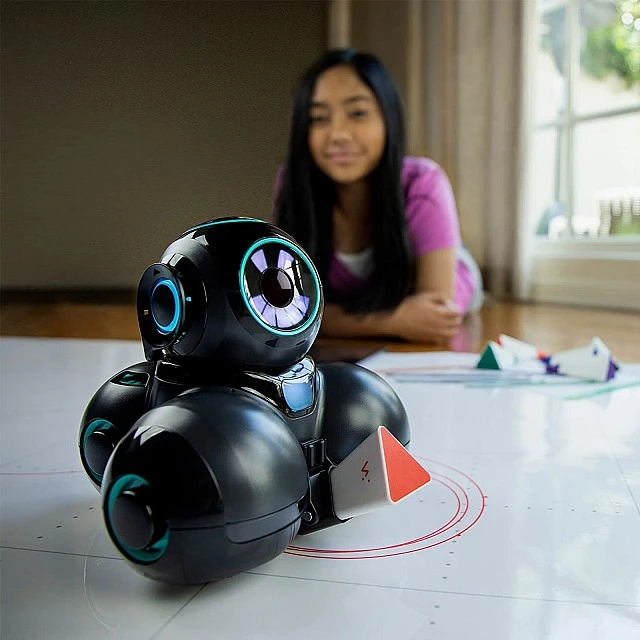
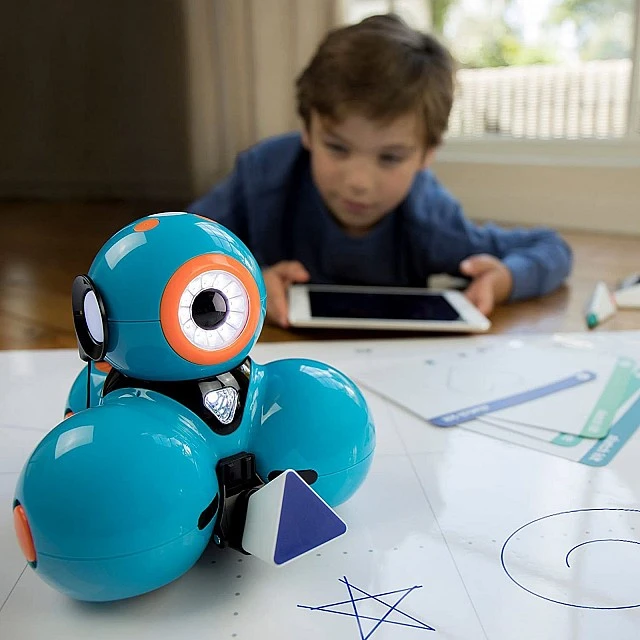
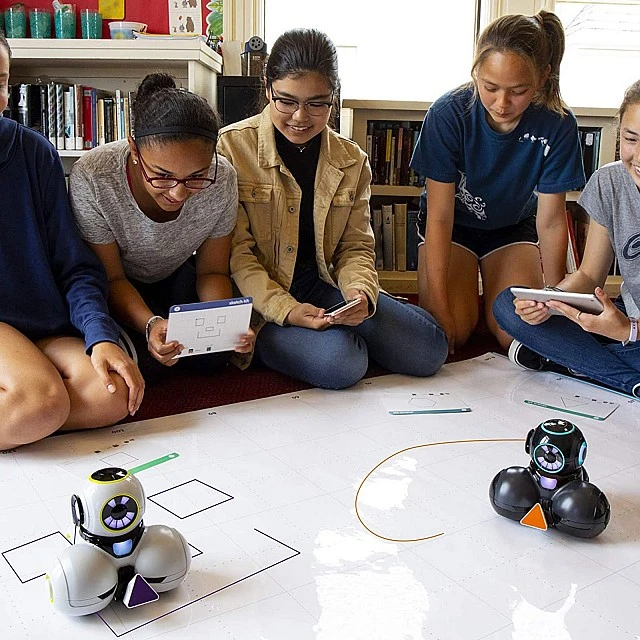
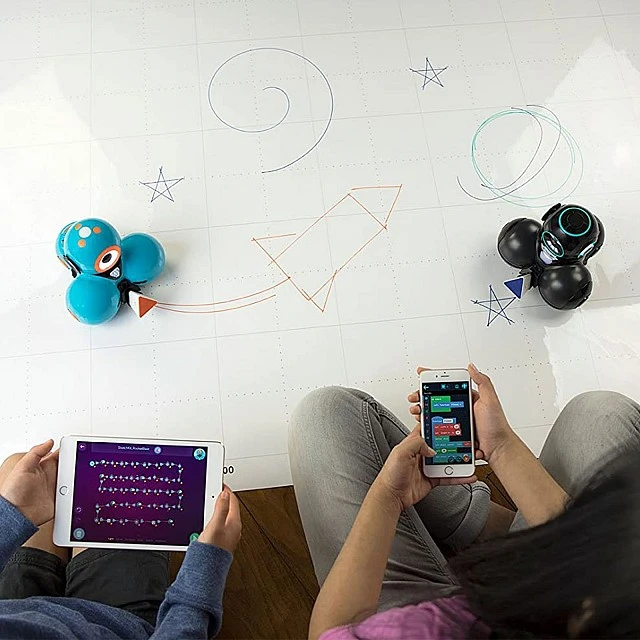
Use Sketch Kit to design drawings that come to life right before your eyes. Program Dash or Cue to draw shapes, make abstract art, and even write a message to a friend.

Step 1:
  • Attach the belt under the robot, making sure it is snug and secure.

    Step 2:
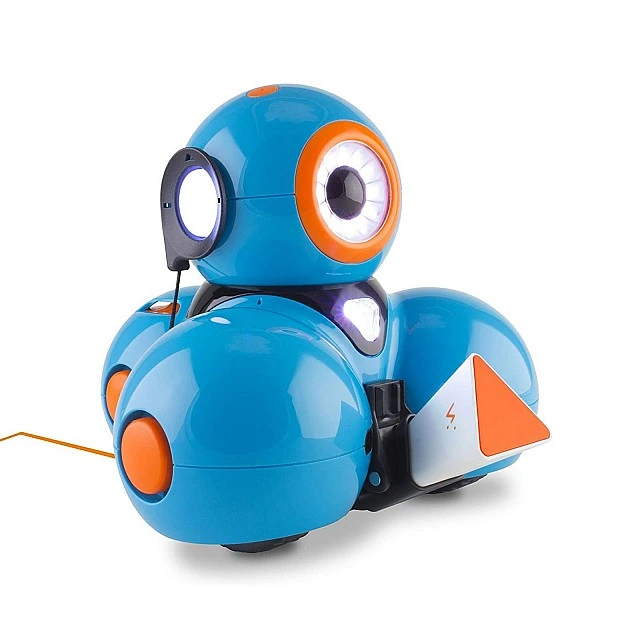
  • Attach the headset to the robot's right ear. Make sure the small triangular arrow is pointing straight up and the robot's head is not tilted up or down. Press hard until it clicks into the robot's ear.

    Step 3:
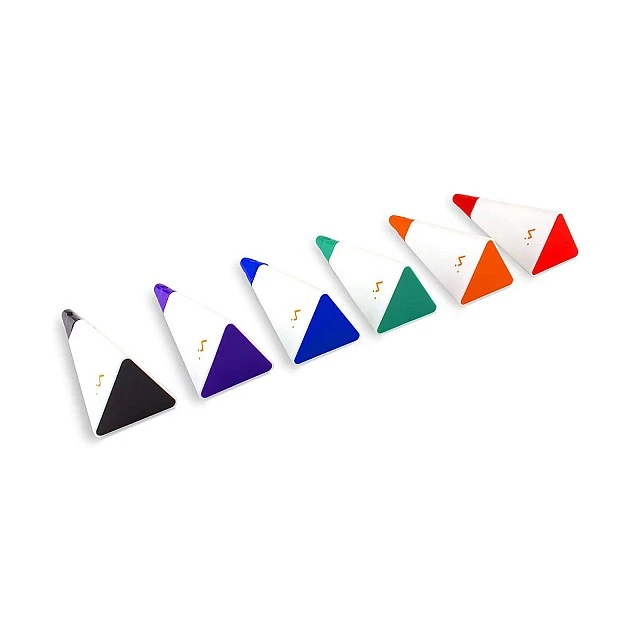
  • Open the marker cap. Make sure you store the cap somewhere safe. If you don't put the cap back on the marker when you're done, the ink can take up to two hours to dry.

    Step 4:
  • Place the marker in the space provided. When the marker is placed correctly it will click. If the attachment has moved away from the body of the robot, be sure to push it to the underside of the robot.

    Caring for your sketchbook
  • Remember to save the marker cap and put it back on the marker after using it. If the marker is left uncovered, the ink can dry in about two hours.
  • After you finish painting, wipe the whiteboard mat and robot wheels before the ink dries with a soft, damp cloth.
  • We recommend that you use dry erasers, a cloth or soft paper to clean the surface of the mat. Wet wipes can be used, but make sure the mat is dry before the robot starts painting to avoid ink stains.

    Drawing tips
  • The accuracy of your drawings can depend on several environmental factors. To get consistent results, be sure to do the following:

    - Use tape or a marker to make sure your robot starts in the same place every time you run your program.

    - Use low robot speeds when painting. In Blockly, the best results are at the "Very Slow" speed. In Cue, the best results are around 15 cm/s.

    - Place the Wonder whiteboard pad on the floor.

    - Check the mat for bumps or debris on or under the surface of the mat before you start painting.

    - Check and make sure the Sketch Kit belt is tightly attached to your robot. Use the arrows and directions on the headset to check that it is properly aligned with your robot's ear. It might also be worth removing the Sketch Kit and reattaching it to the robot.

    - Make sure you use the Wonder Workshop dry erase markers that come with the sketch kit or fill pack. We cannot guarantee that Sketch Kit will draw correctly using other marker types.

    - Only have one or two robots drawing on the Wonder Whiteboard Mat at a time.

    - Don't forget to document your artwork by taking photos and videos beforehand.